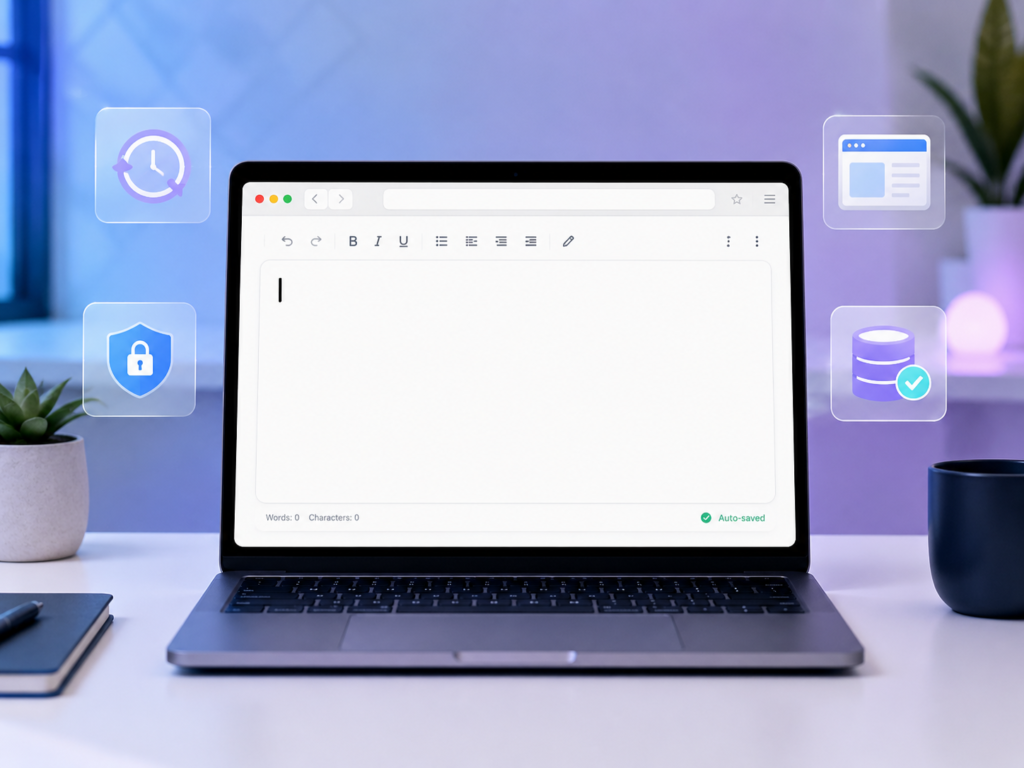
Free Online Notepad Without Login: Fast, Private & Auto-Saving Notes
Free Online Notepad Without Login: The Simplest Way to Take Notes Online
Sometimes you just need a place to write something quickly.
Maybe it’s a phone number, a shopping list, a meeting note, a blog idea, or a reminder you don’t want to forget. Most note-taking apps ask you to create an account, verify your email, install software, or sign in before you can even start writing.
That’s where a free online notepad without login becomes useful.
Instead of creating an account, you can open the notepad in your browser and start typing immediately. No registration, no downloads, and no setup required.
Why People Prefer Online Notepads
Traditional note-taking applications often come with features that many users never use. While those tools can be powerful, they can also slow down the process of capturing a quick idea.
An online notepad focuses on simplicity.
You open the page, write your notes, and continue with your work.
For students, writers, developers, freelancers, and everyday users, this speed can make a significant difference.
No Login Required
One of the biggest advantages of a browser-based notepad is that there is no signup process.
You don’t need to:
- Create an account
- Verify your email
- Remember another password
- Install additional software
This makes online note-taking much faster and more convenient.
Auto Save Prevents Lost Notes
Losing notes can be frustrating.
Modern online notepads often include auto-save functionality that automatically stores your work while you type.
If your browser accidentally closes or your computer restarts, your notes can remain available the next time you open the editor.
This feature is especially useful for long writing sessions, study notes, and work-related tasks.
Privacy Matters
Many users are concerned about where their notes are stored.
A privacy-focused online notepad keeps things simple by storing notes locally inside your browser whenever possible.
This means your notes stay under your control rather than being uploaded to external servers.
For personal reminders, drafts, and temporary notes, local storage can provide a practical balance between convenience and privacy.
Useful for Students, Writers, and Professionals
A free online notepad can be used for many purposes:
- Class notes
- Meeting notes
- To-do lists
- Blog drafts
- Research notes
- Daily journals
- Quick reminders
- Brainstorming ideas
Because it works directly in a web browser, you can access it from almost any device without installing software.
Browser-Based Simplicity
One of the best things about an online text editor is that it works instantly.
There are no updates to install and no complicated settings to configure.
Open the page and start writing.
That’s all.
For people who value speed and simplicity, this approach is often more productive than using large note-taking applications.
Final Thoughts
A free online notepad without login is one of the easiest ways to capture ideas, write notes, and stay organized.
With instant access, auto-save functionality, privacy-focused storage, and browser-based convenience, it provides everything most users need for everyday note-taking.
If your goal is to write quickly without distractions, a simple online notepad may be all you need.